A soft portrait of your baby, made from one photo
Send one clear photo of your baby, and BabyFotor makes a portrait in a sunlit room, a soft nursery or a garden. It is a picture made by AI, and your first preview is free.
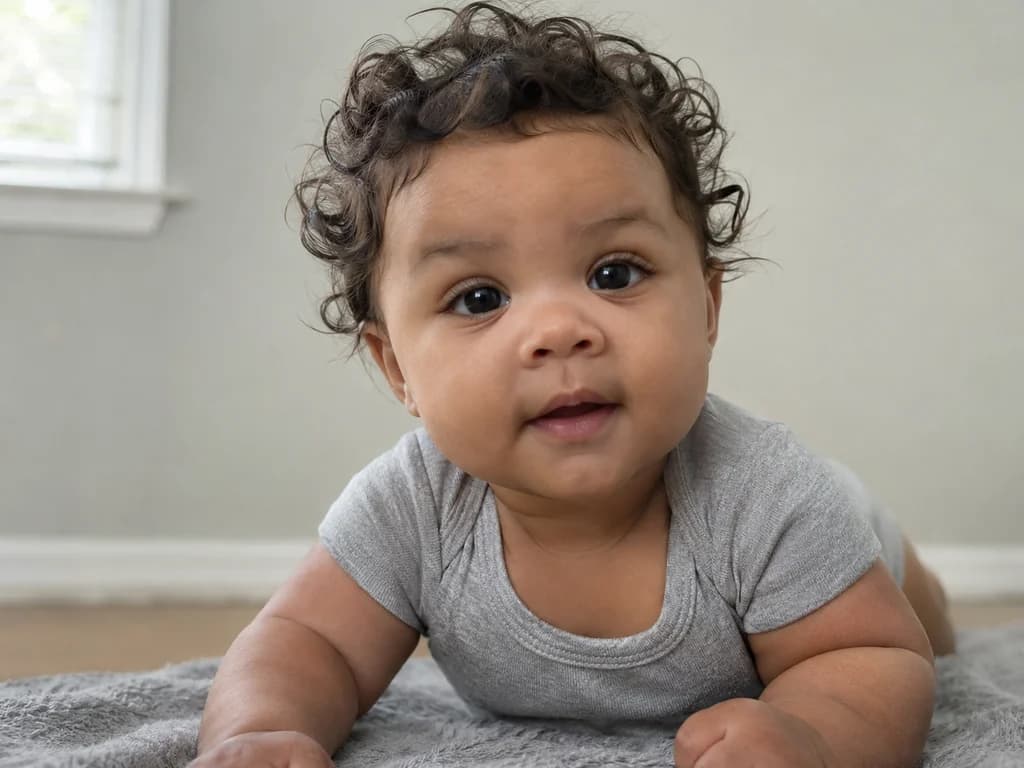
Your photosone picture
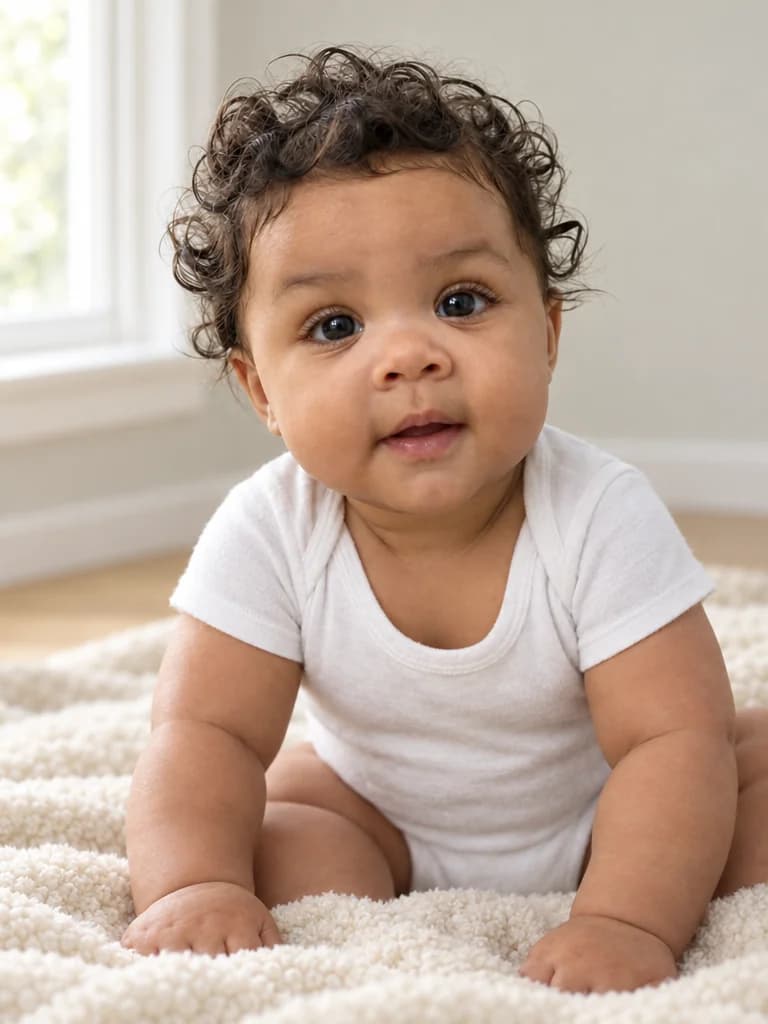
Example made with BabyFotor. Everyone in it is AI-generated.
- Your first picture is free
- No subscription, credits never expire
- Failed pictures are refunded
- No public gallery
Three steps to your picture
Add your photos
One photo of each person or pet. Clear and well lit works best. JPEG, PNG or WebP, up to 10 MB each.
Choose the details
Choose the setting and outfit from a few options. There is nothing to write.
Preview it free, then keep it
Your first preview is free and carries a small watermark. Like it? Unlock that exact picture, clean, for 4 credits.
A soft portrait of the baby you already have
A baby is hard to photograph well. The light that was perfect a minute ago is gone, the smile lasts a second, and the room behind them is usually a heap of washing and toys. A phone can be full of pictures of your baby and still hold none of the calm, bright, tidy portrait you had in mind.
This page makes that portrait from one photo you already have. You send one clear photo of your baby, and BabyFotor makes a new picture of them sitting on a soft surface in a sunlit room, a quiet nursery or a garden, in the outfit you choose. You see a free preview before you pay for anything.
Be clear about what you are getting. It is a picture made by AI from your photo. It is not a photograph, your baby was never in that room, and it does not always get a face right. A real photograph of your baby is better than ours, and this is for the portrait you could not take.
What it is not is a forecast. If you came looking for a picture of a baby you do not have yet, this page does not make one: it makes a portrait of a baby who already exists, from a photo of that baby.
Want more than the baby in the picture? The family photo from separate photos takes up to three people and a pet, one photo each, and adding someone to a photo puts a person into a picture you already have. We have not tried either with a baby in it, so look closely at the preview if you do.
Choosing the photo of your baby
From your photo the picture takes your baby's face, hairstyle and skin tone. The room, the blanket, the outfit and the pose are made new, so the photo does not have to be a posed one. A quick snap in good light will do, as long as the face is easy to see.
The picture looks like the photo, not like today. Babies change fast, and a photo from three months ago gives you the baby from three months ago, so send a recent one. Light from a window is best, because an evenly lit face gives the picture the most to work with. If your baby will not keep still, take a few and send the sharpest.
One clear photo of the face
One photo is all it takes, with your baby's face easy to see, eyes open and looking toward the camera. A photo from the front works best, and a face turned away leaves the picture too little to match.
Your baby on their own
A hand holding the baby, or a dummy, a toy or a hat over the face, makes it harder to keep the face as it is. If you have a photo of your baby alone, use that one, even if it is not your favourite.
The pose and the clothes stay behind
Whatever your baby is doing or wearing in the photo, the picture shows them sitting propped up in the outfit you choose. Our example photo is of a baby on their tummy in a grey bodysuit, and the picture is of one sitting up in white.
Photos to leave out
Blurred photos, heavy filters, very small faces, faces partly covered, and photos with more than one child in them. A fresh photo by a window takes a few seconds and is usually the better choice.
The right kind of file
JPEG, PNG or WebP, within the size limit given in the steps above. A photo saved as HEIC, which some phones do, is not accepted: convert it to JPEG first.
A sunlit room, a nursery or a garden, and what your baby wears
You make two choices and never write a word: where your baby sits and what they wear. If you choose nothing you get the sunlit room and the white bodysuit.
Both choices change only the look of the picture. In every one your baby sits propped up on a soft surface, looking toward the camera with a calm, curious expression. A different choice is another try, which uses credits once the free one is spent, so if you cannot decide, start with the defaults.
For the outfit there are three: a plain soft white cotton bodysuit, a cream knitted romper, or a soft sage-green cotton romper, the only one with colour. The outfit comes from your choice and not from the photo, so a baby in pyjamas in the photo is still in a bodysuit in the picture.
Our example is the sunlit room with the white bodysuit. We ask for the other two settings and the other two outfits in the same way, and your own preview is where you see how they come out.
Sunlit room
A soft cream blanket on a living-room floor beside a bright window, in gentle daylight, with a plain pale wall softly blurred behind. The one you get if you choose nothing, and the one in our example.
Soft nursery
A soft white rug in a softly lit nursery, with pale walls and a wooden crib blurred behind your baby.
Garden
A soft blanket on a lawn in the shade of a tree on a mild day, with green leaves and a few flowers softly blurred behind. The only setting outdoors.
What the finished picture looks like
One picture in a portrait shape, three wide for four tall. Your baby sits propped up on a soft surface and looks toward the camera with a calm, curious expression. We ask for natural, unposed warmth, a softly blurred background, warm film-like colour and no writing on it.
You choose where and what, not how. The pose is the same every time, so a smile, a wave or a particular position cannot be asked for, and the picture may frame your baby a little differently on each try. We ask for nothing near the face and nothing in the hands: a dummy, a toy or a hat is where a picture most easily covers a face, and the face is the part that has to look like your baby.
It is always exactly one baby. For brothers and sisters, make one picture each.
How to check your preview
The preview usually arrives in about half a minute: our example took about twenty-eight seconds, and it takes longer when it is busy. You can leave the page and find the picture in My pictures.
Check it against your photo before anything else. The picture in this section is the example from the top of the page, made from an AI-generated cast photo of a baby of about six months. No customer's photo is ever used as an example, and it is shown as it came back, flaws included.
The face first, and nothing in front of it
Look at the face before the room. The eyes should be open and clear, with no dummy, toy, hat or grown-up's hand anywhere near. In our example the face is clear and well lit, both eyes are open and looking at the camera, and nothing is near it.
Is it your baby?
Compare it with your photo: the shape of the face, the eyes, the hair, the skin tone. In our example the dark curls, the dark eyes, the round cheeks and the brown skin all carry over, and it reads as the same baby. The curls are the same kind of curls, not the same ones.
Check the skin tone
In our example the skin looks a shade lighter than in the photo, and the light is warmer. Part of that is the brighter room. Skin tone is one of the things we ask the picture to keep, so hold it next to your own photo, and try again if it has drifted.
Expect a new pose
The photo showed the baby on their tummy with their head lifted. The picture shows the baby sitting up, in white on a cream rug, with both hands resting in front. The body is drawn new every time, so check that the pose suits your baby.
Think about your baby's age
Every try asks for a baby sitting propped up, and we have only tried a baby of about six months. For a much younger baby a sitting pose may not look right, and your preview is where you find out.
Count the fingers
Hands are where AI pictures often slip. In our example both hands rest loosely on the rug and look natural, and the feet are outside the picture. If hands show in yours, count the fingers.
Expect a close frame
Our example is framed close: the curls come near the top edge, the hands near the bottom, and a little of a folded leg is cut off at the right edge. If you hoped to see more of the room, try again, because each try frames your baby a little differently.
Look for stray writing
No writing should appear anywhere in the picture, because we ask for none. The faint pattern over the picture and the small badge in the corner are the preview's watermark, and an unlocked picture has neither.
If it does not look like your baby
Try again first: each try comes out different, and a face that is a little off in one is often right in the next. If the same thing keeps coming out wrong, change the photo and leave the setting alone: a sharper one, taken closer, in daylight and from the front.
A small face in a big photo gives the picture little to go on. If your best photo is a wide shot, crop it to the face and shoulders before you upload it. A photo with the eyes open and looking at the camera is worth more than a lovely one with the face turned away.
Your first preview is free, and a free preview that fails does not count. If a picture you paid for fails, the credits come back to you. A picture that was made but is not what you hoped for is a try like any other, so after the free one each new try uses credits. The Pricing page lists the packs.
Other ways to get a baby portrait
Several of these give you a real photograph, which is better than anything made by AI, and some cost nothing.
Take the real one
Put your baby by a window in daylight, get down to their eye level and take a dozen. The light does most of the work, and a real photograph of your baby is the best of these. It is what this page tries to hold the place of.
Book a photographer
A newborn or milestone session gives you real pictures, taken by someone used to working with babies. It costs more, and it needs a date in the diary.
Edit the photo you have
A photo app can crop, brighten and soften a picture, and some can change the background. You keep control, at the cost of time and some skill, and it is still your baby in the photo.
Ask a chat assistant
ChatGPT, Gemini and other general assistants can make a picture from a photo if you describe it, and you can keep asking until the face looks right. BabyFotor has the wording ready, three settings and three outfits to choose from, and a free first preview. The checking is yours either way, and no tool can promise a likeness.
Commission a drawing
An illustrator can draw your baby from a photo. It takes longer, the price is whatever the artist asks, and it is a different kind of keepsake: a drawing, not a picture that looks like a photograph.
The free preview, unlocking, and your baby's photo
Your first picture is free once your email is confirmed. A faint pattern over the picture and a small badge in the corner mark it as the preview. If you like it, you unlock that exact picture with credits and only the marks go. Credits never expire and there is no subscription. The Refund Policy says what we refund and when.
A baby cannot agree to anything, so the responsibility is yours. Each time you make a picture you confirm three things: that the photo is yours or you have the right to use it, that you are the baby's parent or legal guardian, and that the photo is sent to an AI provider to make the picture. Please only upload your own baby, or a child in your care.
We use your photo only to make your picture and never put it in a public gallery. Pictures you never unlock are deleted sooner than the rest, and the Privacy Policy gives the exact times.
Questions about this picture
Still unsure? Write to us from the Contact page.
More pictures to make
Same idea, another occasion. Your first picture is free.
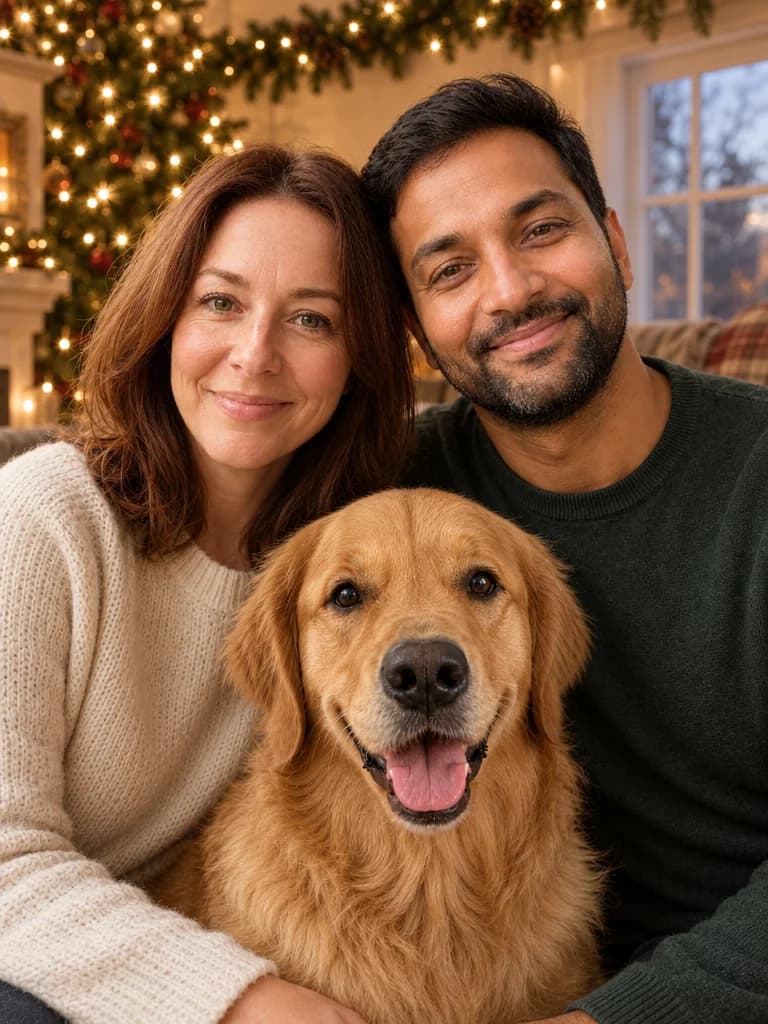
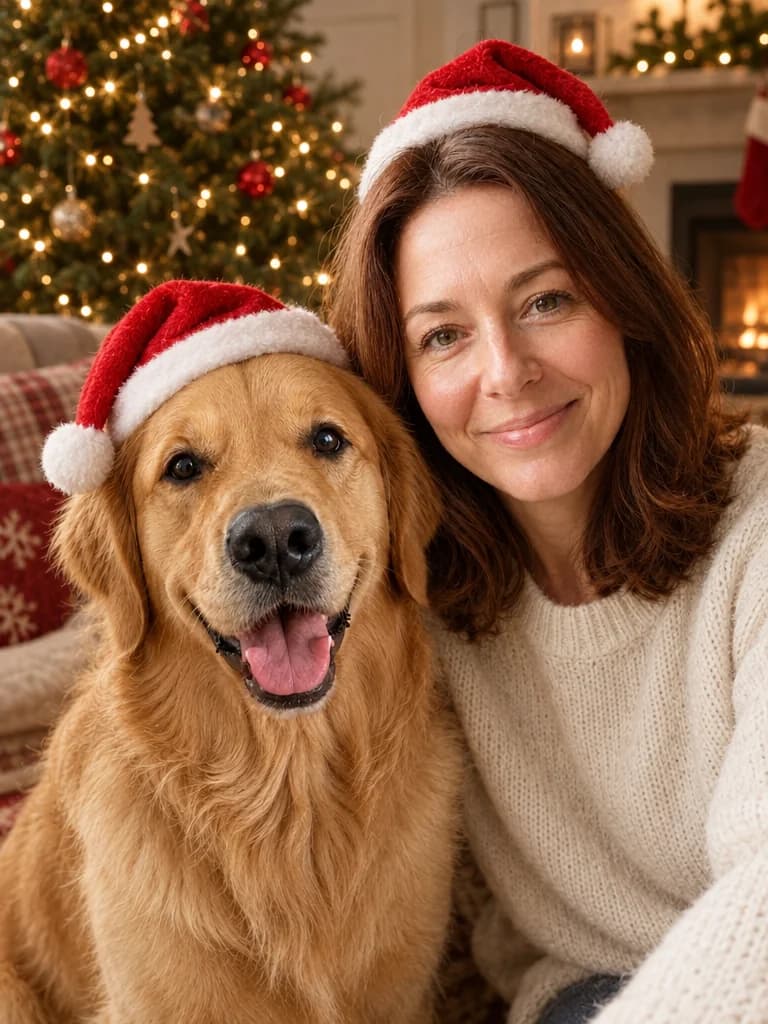
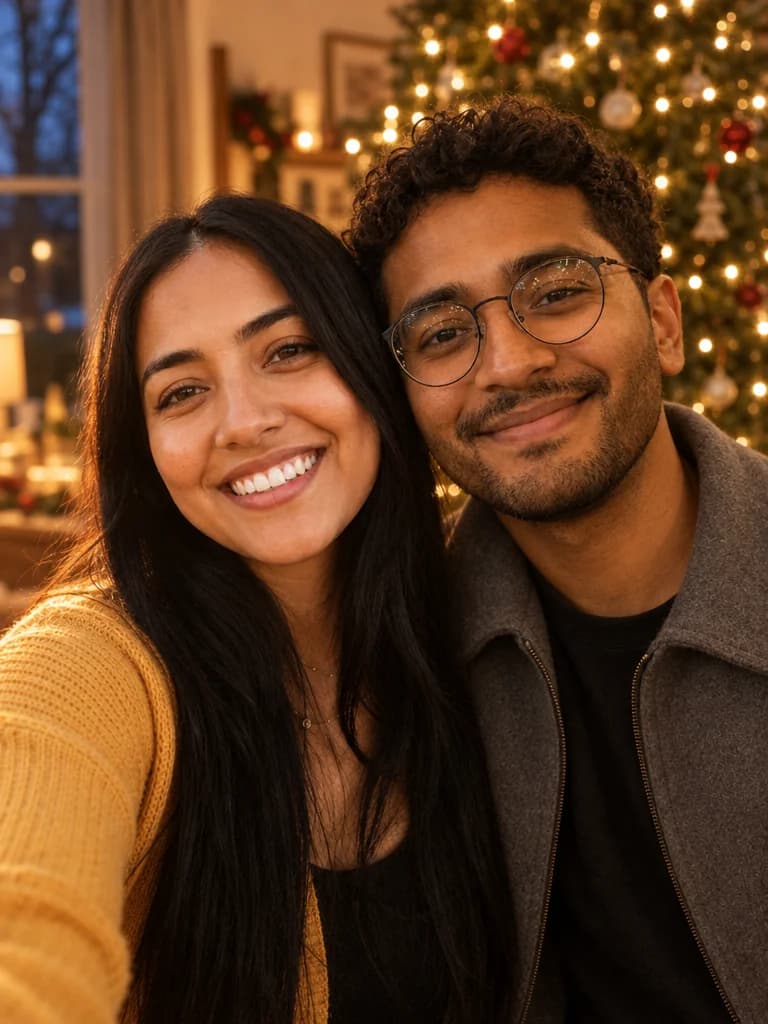
Make your first picture, free.
Create an account, add your photos and see what BabyFotor makes. No card needed for your first one.
Try it free