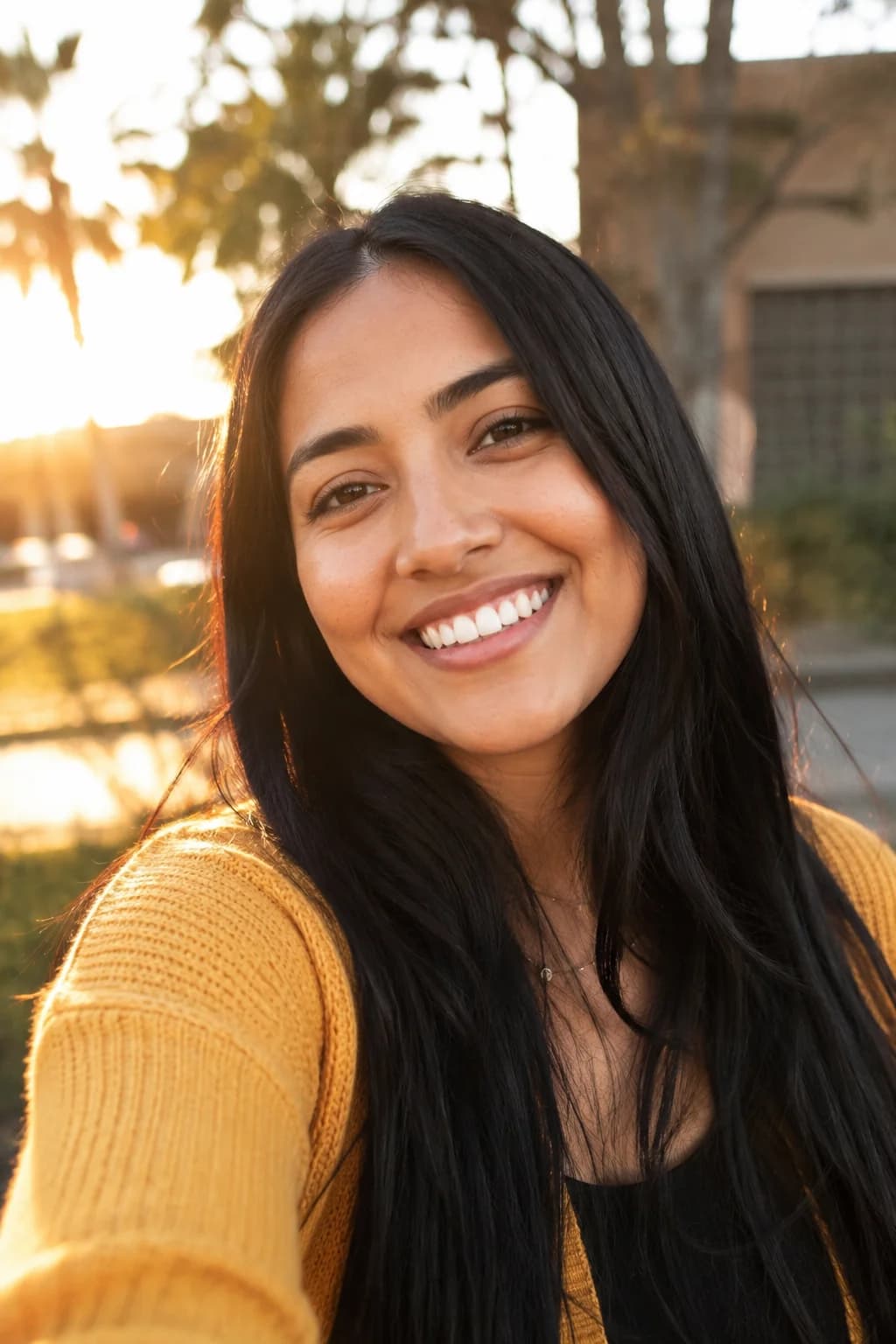
Couple photos for the two of you, together or apart
Each of you sends one photo, and BabyFotor makes one picture of the two of you together: by candlelight, in the snow, at sunset or in costume. Near or far, your first preview is free.
- Your first picture is free
- No subscription, credits never expire
- Failed pictures are refunded
- No public gallery
Pick a template
Every one starts with your own photos and a free preview.
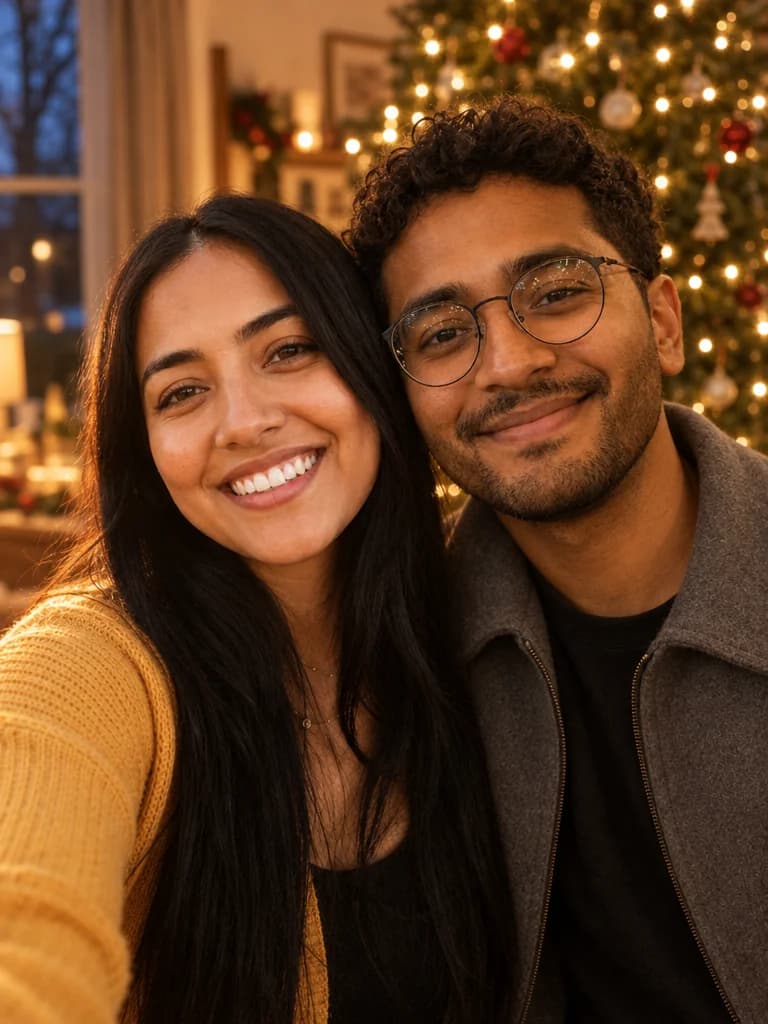 Christmas
Together for Christmas
Two people, two places, one Christmas picture.
See how it works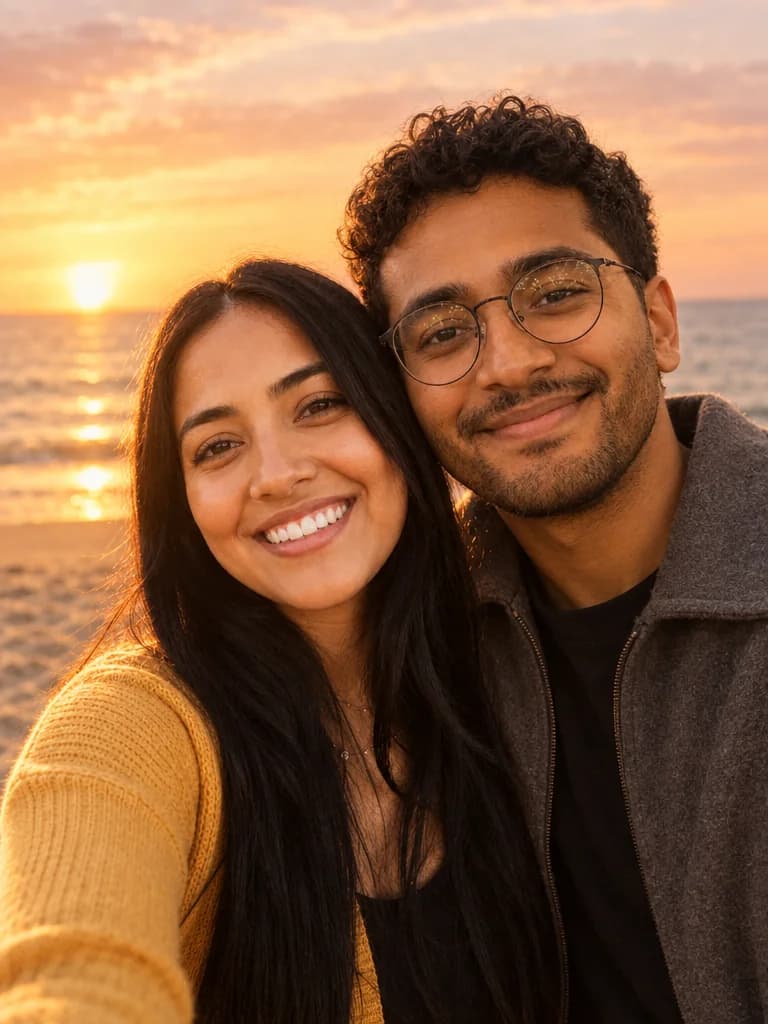 Any time
Couple at sunset
The two of you at golden hour, on a beach, in a field or above the city.
See how it works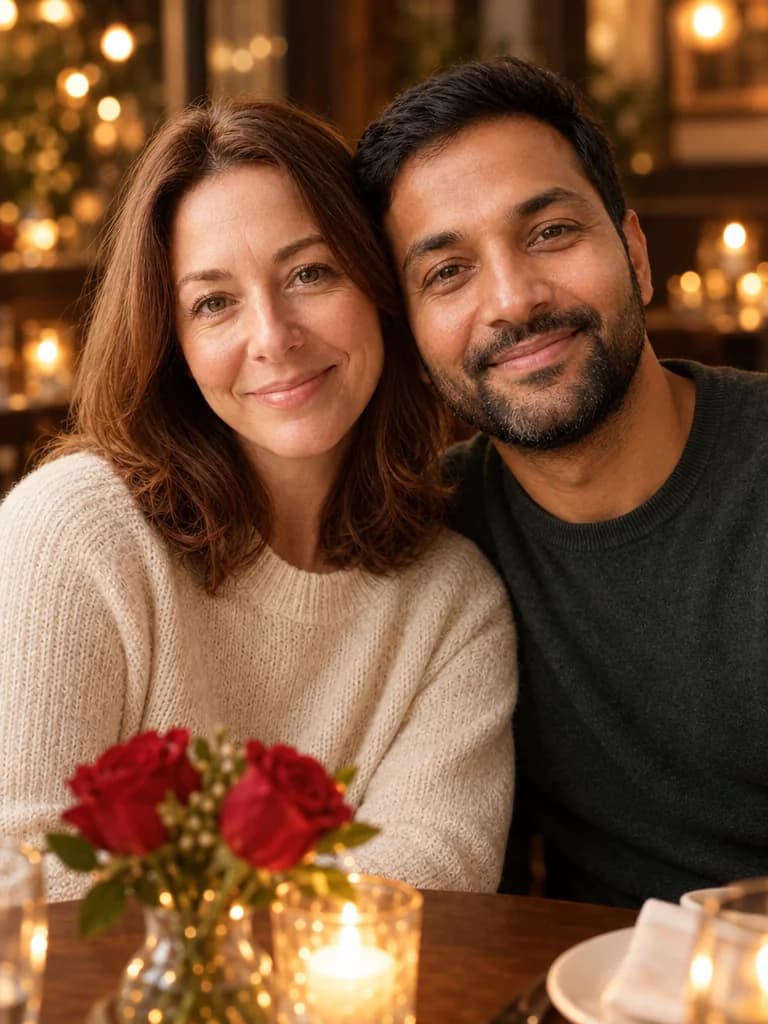 Valentine's Day
Valentine's couple photo
The two of you by candlelight, in a rose garden or at a cosy cafe.
See how it works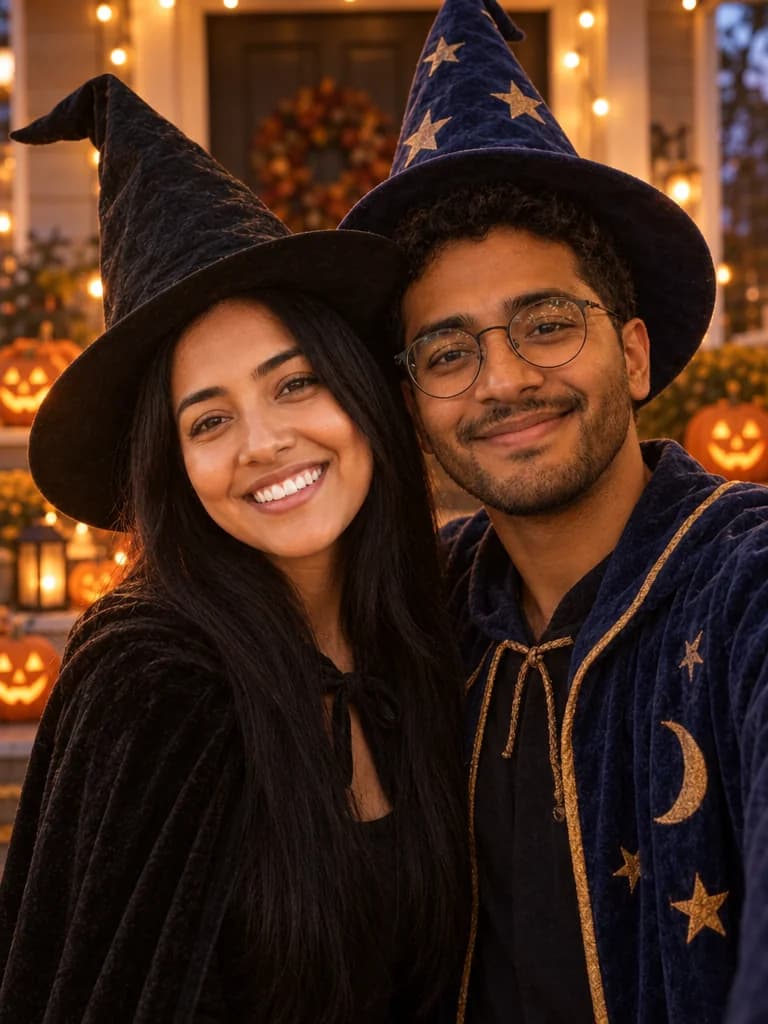 Halloween
Couple Halloween photo
Witch and wizard, vampires or skeletons, both of you in the same shot.
See how it works
Four couple templates, and the day each one is for
Every couple template works the same way: one photo of each of you, a setting you choose, and one new picture of the two of you standing close together and looking at the camera. What changes is the occasion.
Valentine's Day
The Valentine's couple photo puts you at a candlelit table, in a rose garden or at a cosy cafe. It is in season from the day after Christmas to the day after Valentine's Day.
Christmas
Together for Christmas puts you by the tree, on a snowy evening or in a cosy cabin. It is in season from mid-October to the day after Christmas.
Any day: a sunset
Couple at sunset puts you on a beach, in a golden field or on a city rooftop at golden hour. It is on the shelf all year, so it suits an anniversary as well as a holiday.
Halloween
The couple Halloween photo dresses you as a witch and a wizard, as vampires or as skeletons, on a porch at dusk or in a pumpkin patch. The costumes are friendly, never scary.
How one picture is made from two photos
You do not need to be in the same room, or the same country, to make a couple picture. Each of you sends one photo, taken wherever and whenever, and BabyFotor asks the AI for a new picture of the two of you. Each photo only has to show what that person looks like.
In the Valentine's, Christmas and sunset templates you each keep the clothes you wear in your own photo, so a thick winter coat stays a winter coat. In the Halloween template the costumes are new, and your faces and hairstyles are asked to stay as they are.
You stand or sit close together, with your shoulders touching or your heads leaning gently toward each other, both looking at the camera. We do not ask for a kiss or a hug, because both often hide a face, and the faces are what has to look like you.
For two people who live apart
Many couples never have the photo they want. One of you is in another city for work or study, or in another country, or the two of you have simply never been photographed side by side. A couple picture made from two separate photos is for that.
Be clear about what you are making. It is a picture made by AI. It is not a photograph of a day you spent together, and a screenshot of a video call is a real picture of you both. But a picture of the two of you in one place, by candlelight or at sunset, is something you can print, frame or send.
One of you makes it, from both photos, so your partner does not need an account. Ask them for a clear photo of their face, and for their OK to use it.
Choosing your two photos
Two good photos matter more than anything you choose on the screen. Spend a minute on them before you start.
One person in each photo
Each photo should show one person, from the front, with the face sharp and evenly lit.
Wear what you want to be in
In most templates the clothes in each photo are kept, so choose a photo in an outfit you like and one that suits the setting.
Nothing over the face
Sunglasses, a hat brim or a hand across the face hide what the AI is meant to keep. A photo with your face fully in view works best.
A recent photo
Choose photos that look like each of you now. The picture follows the photos you send, not your memory of how you looked.
Both of you agree
Only use a photo of someone who is happy to be in the picture. Tell your partner what you are making, and share the result with them.
What to do with the picture
Unlock the picture, open it at full size from My pictures, then save it. Print it for a card or a frame, send it in a message, or keep it as a surprise for an anniversary.
The picture comes with no writing on it, so the message is yours to add in a card or photo app, or by hand on a printed card.
If you give it as a gift, say that it was made with AI, so that nobody takes it for a photograph of a day that happened.
What these pictures are, and what they are not
Every picture here is made by AI from your photos. It is not a photograph. It keeps each face and hairstyle as closely as it can, but it does not always get a face right, and results vary from one try to the next.
That is why the first preview is free and carries a watermark. Look at it as you would look at a photo of someone you love: does each of you look like yourself, are the hands right, is there a stranger in the picture? If it is not right, you have not paid for it.
The free preview, unlocking and your photos
Your first picture is free once your email is confirmed. A faint pattern over the picture and a small badge in the corner mark it as the preview. If you like it, you unlock that exact picture with credits, and the Pricing page lists the packs. If a picture cannot be made, the credits are returned, as the Refund Policy explains.
You upload both photos, so only you need an account. We use the photos only to make your picture and never put them in a public gallery. Pictures you never unlock are deleted sooner than the rest, and the Privacy Policy gives the details. If you are also looking for a picture with the whole family in it, see the family photo templates.
Questions about these pictures
Still unsure? Write to us from the Contact page.
More pictures to make
Other kinds of picture, each with its own templates.
Make your first picture, free.
Create an account, add your photos and see what BabyFotor makes. No card needed for your first one.
Try it free