Family photos with everyone in them, even the ones who could not come
Four templates for getting your whole family into one picture: a Christmas card, a Halloween photo, a day out, or a missing person added to a photo you already have. Your first preview is free.
- Your first picture is free
- No subscription, credits never expire
- Failed pictures are refunded
- No public gallery
Pick a template
Every one starts with your own photos and a free preview.
 Christmas
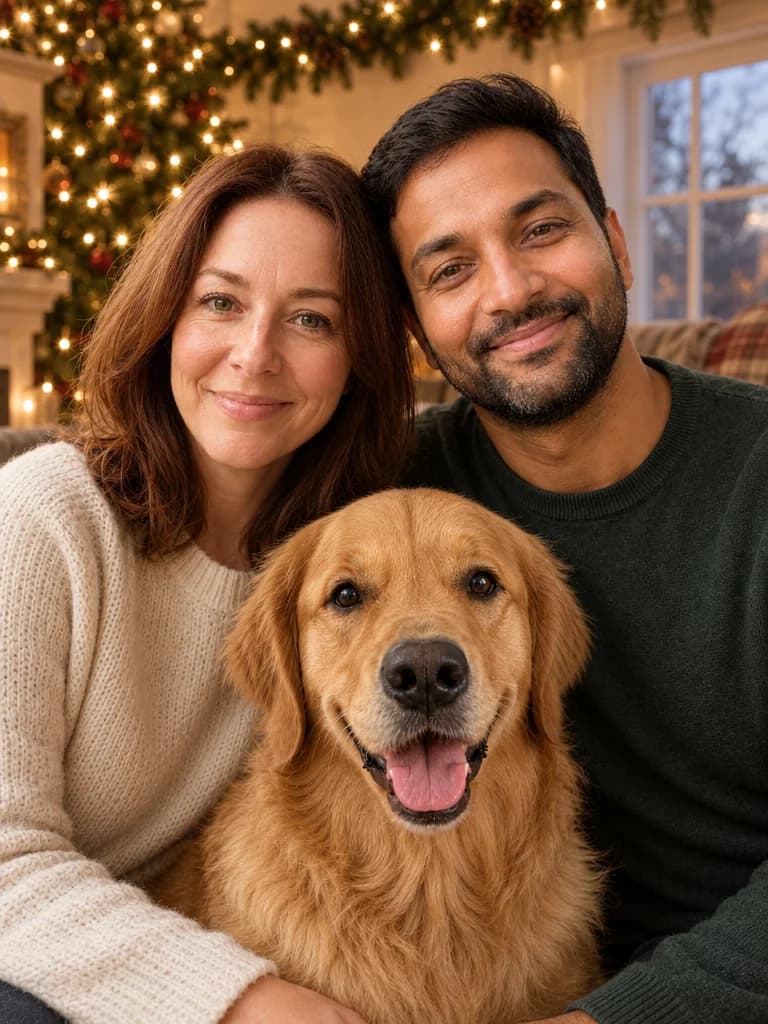
Family Christmas card
Everyone in one cosy picture, the dog included.
See how it works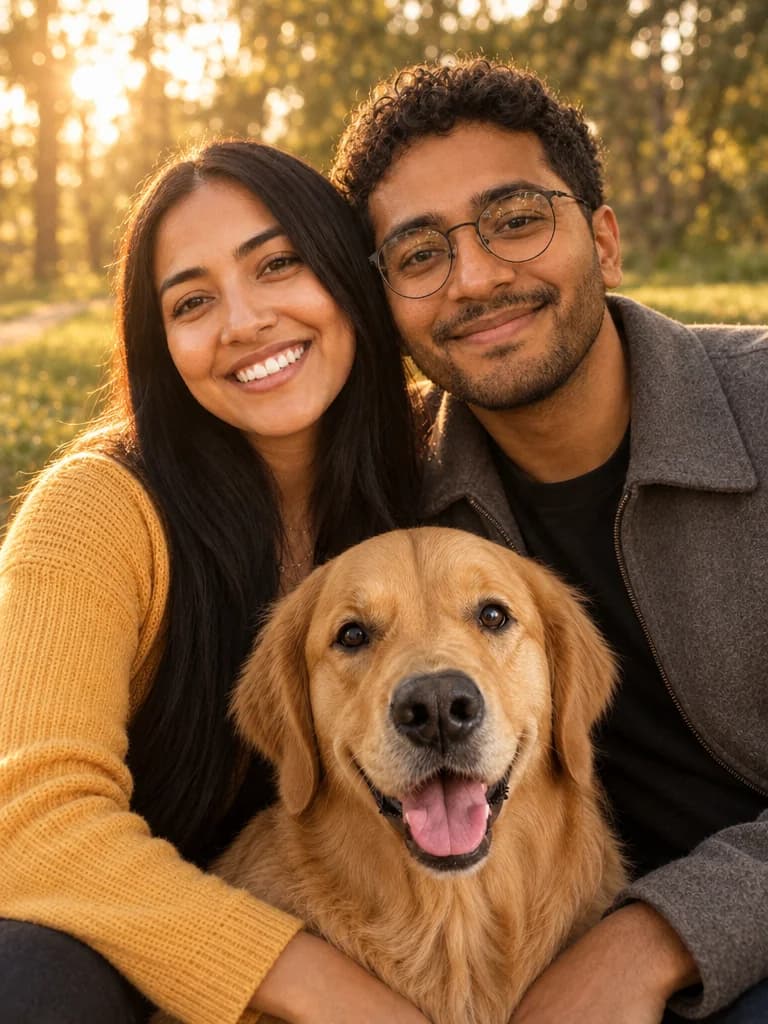 Any time
Everyone in one photo
People and pets who were never in the same place, together in a park, on a beach or in a garden.
See how it works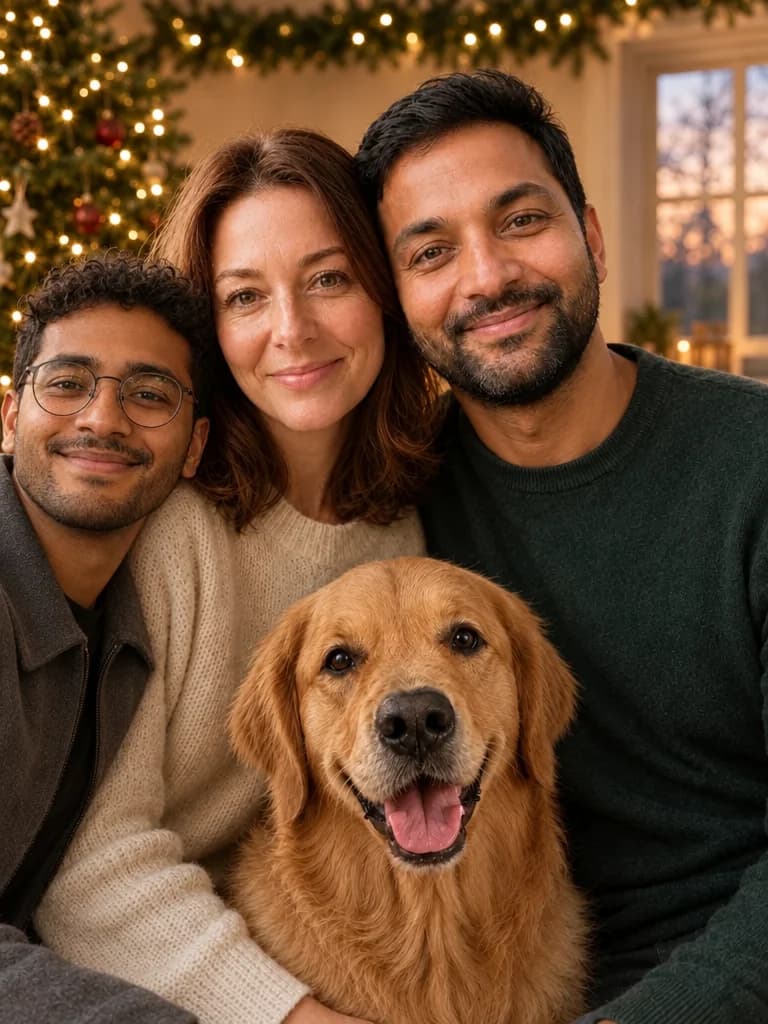 Any time
Add someone to a photo
Put the person who could not be there into the group photo.
See how it works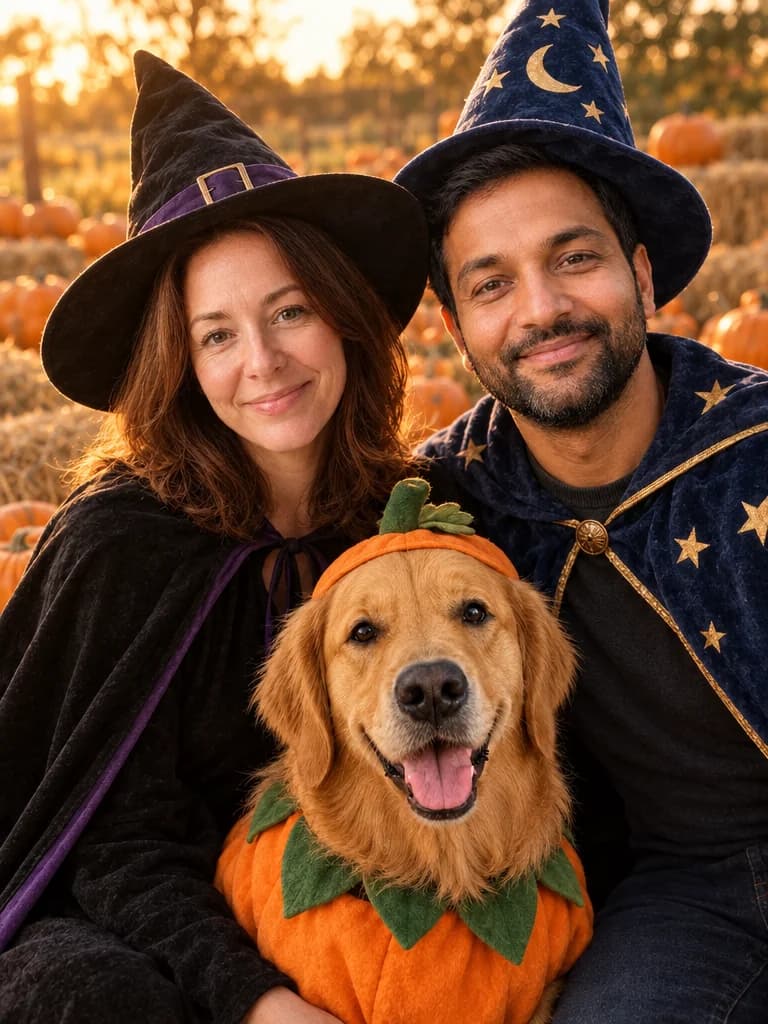 Halloween
Family Halloween photo
Pumpkin patch, porch at dusk or a party at home, all in one picture.
See how it works
Which family template should you choose?
BabyFotor has four templates for a family picture. Three make a new picture from a separate photo of each person, and one adds somebody to a group photo you already have. Which one fits depends on the day, and on whether you are starting from separate photos or from one photo with someone missing.
Any day of the year
Everyone in one photo puts two or three people and a pet together in a park, on a beach or in a garden, from a separate photo of each. It is on the shelf all year.
A Christmas card
The family Christmas card puts everyone in a cosy living room, on a snowy porch or at a tree farm. It is in season from mid-October to the day after Christmas, and you can make it at other times too.
A Halloween photo
The family Halloween photo puts everyone in a pumpkin patch, on a porch at dusk or at a party at home, in classic costumes or with just a hint of one. It is in season from mid-September to early November.
Someone missing from a photo
Add someone to a photo starts from a group photo you already have and adds up to three people or pets to it, from a photo of each. Everyone already in the photo is asked to stay exactly as they are.
How one picture is made from separate photos
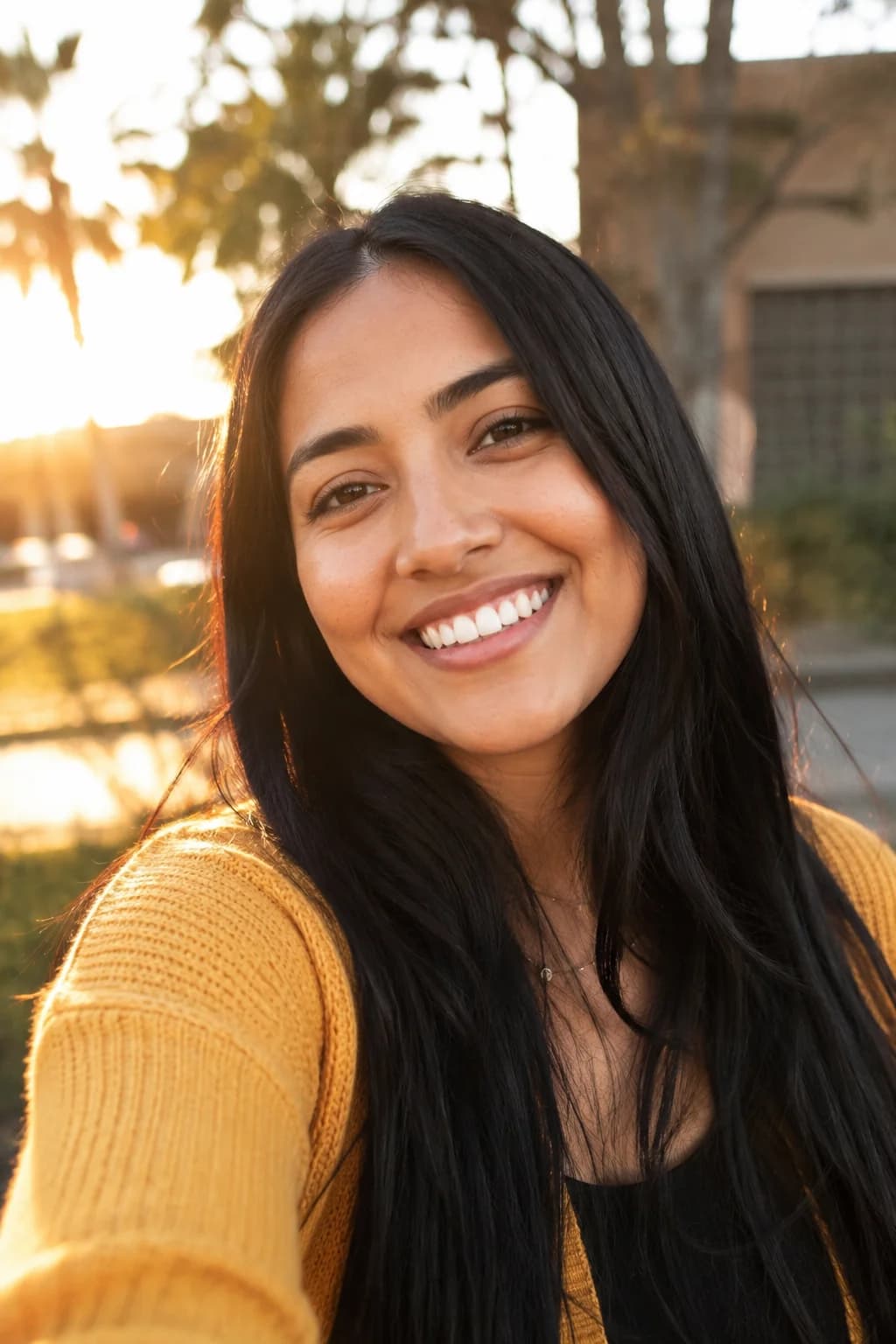
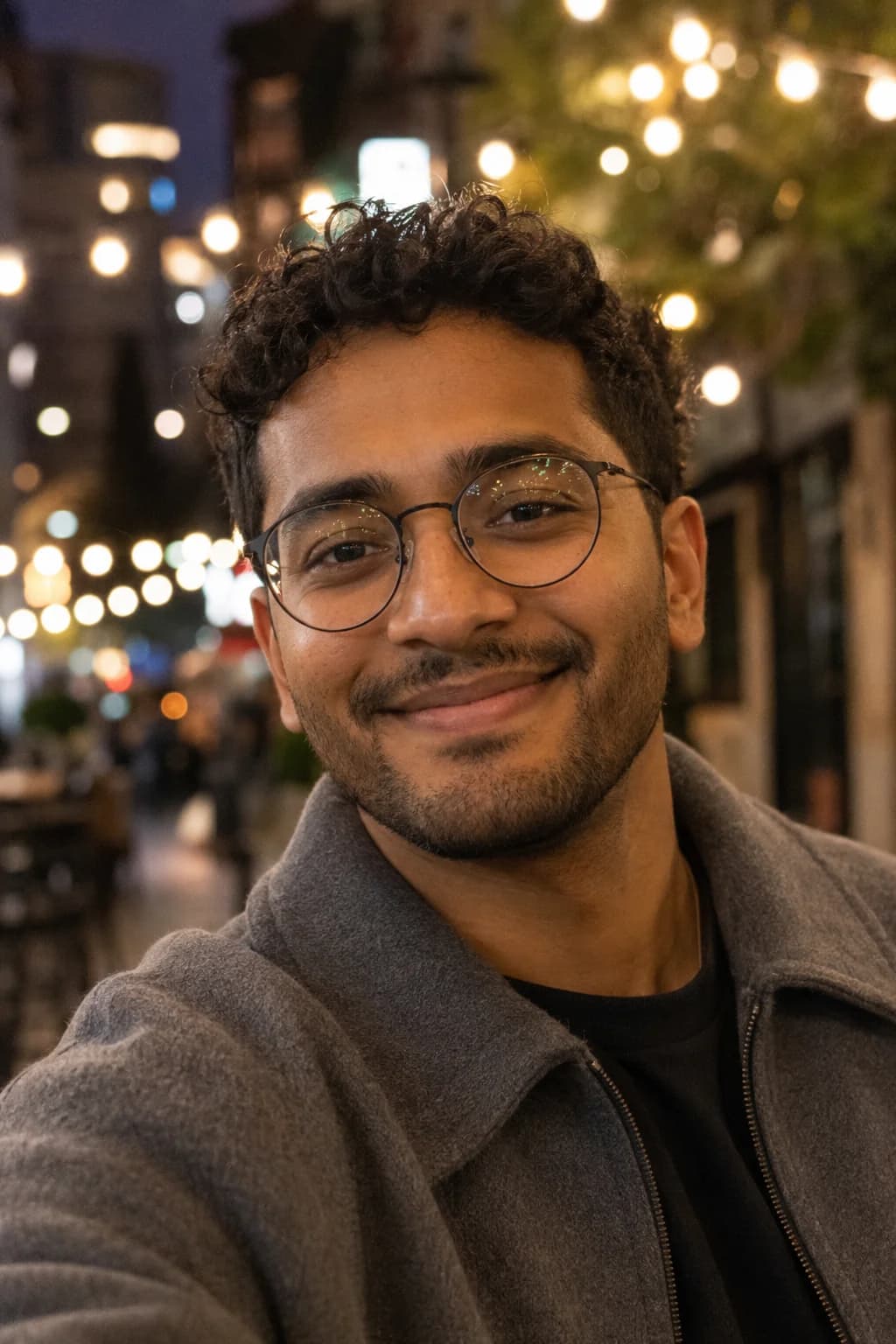
You upload one clear photo of each person, and of a pet if you have one: up to four photos in all. Each photo only has to show what that person looks like. They can be taken in different places, in different light and at different times, because the AI uses them to keep each face and hairstyle, not to build the background.
Then you choose a setting, and BabyFotor asks the AI for one new picture with everyone standing close together, looking at the camera. In the Christmas and day-out templates everyone keeps the clothes they wear in their own photo. The Halloween template is the exception: the costumes are new, and each face and hairstyle is asked to stay as it is.
It usually takes about half a minute, and longer when it is busy. You see a free preview with a watermark first, and you pay to unlock it only if you like it.
Choosing the photos
The picture can only be as good as the photos it starts from. A few habits make the difference between a face the AI can keep and one it has to guess.
One person in each photo
Send a photo of one person, or one pet, each. A photo with two people in it leaves the AI to guess which one you mean.
A clear face, looking at the camera
The face should be sharp, evenly lit and turned toward the camera. Sunglasses, a hat brim or a hand over the face hide what the AI is meant to keep.
A recent photo
People change their hair, their glasses and their beards. Choose a photo that looks like them now, because the picture follows the photo you send.
A pet with the face in clear view
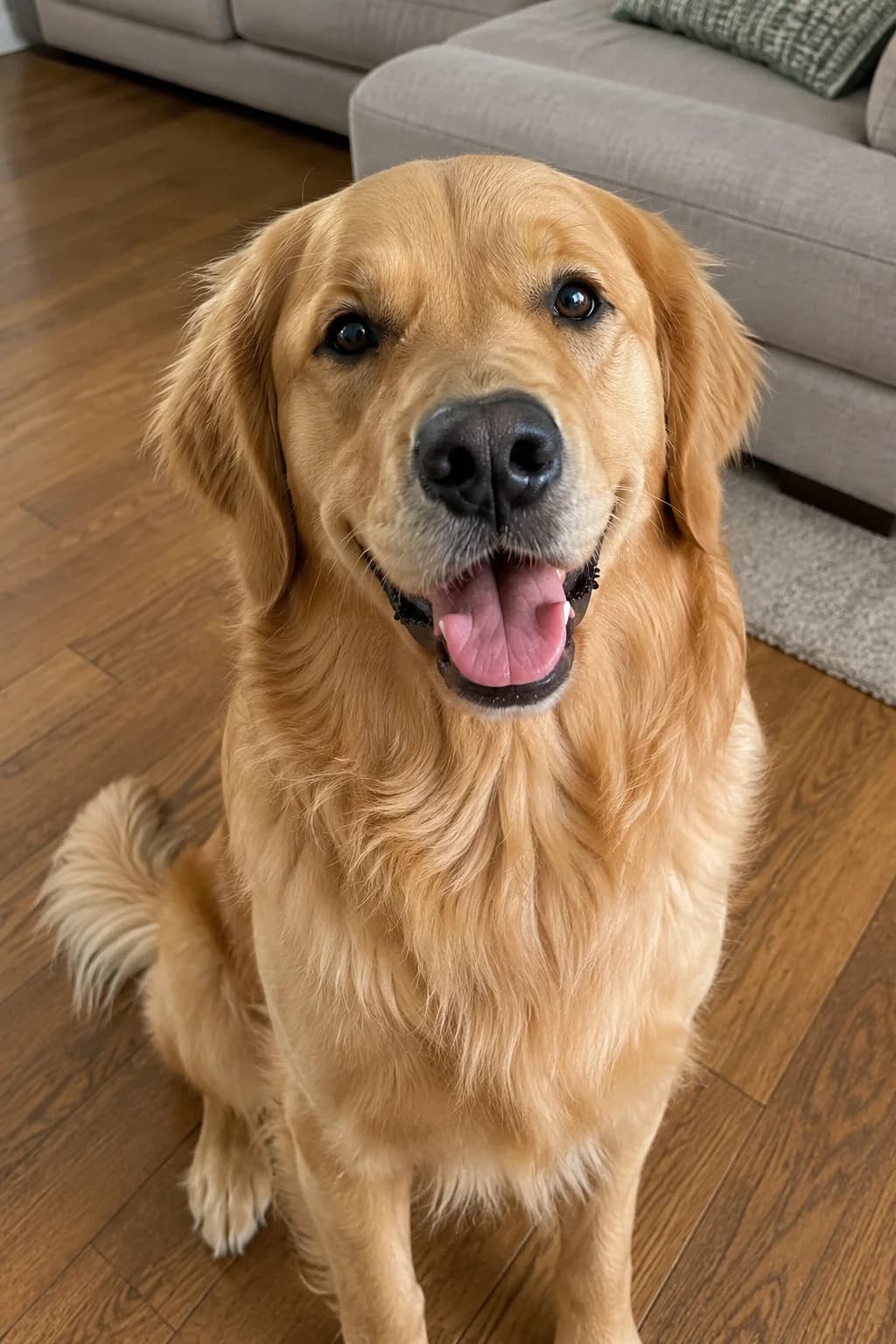
Pick a photo where the pet's face is easy to see and the fur colour looks true. A pet in a dark room or under a blanket is harder to keep.
Photos you have the right to use
Only use photos of people who are happy to be in the picture. For children you must be the parent or legal guardian, and you confirm that each time you make a picture.
When a family picture like this is the answer
Most families have the same gap: somebody is missing from the picture. A grown-up child lives in another country. The grandparents cannot travel. The children split the holidays between two homes. One person takes every photo and is in none of them, and the dog will not sit still next to anyone.
These templates are for those families. They are not a replacement for a real photograph of a day that happened, and if everyone can get onto one video call, a screenshot of it is a real picture of all of you. They are for the year when that is not possible, and you would still like a card, a gift or a keepsake with everyone in it.
For two people on their own, see the couple photo templates, and for a pet on their own, the pet photo templates.
What these pictures are, and what they are not
Every picture here is made by AI from your photos. It is not a photograph, and it does not record a day that happened. It keeps each face and hairstyle as closely as it can, but it does not always get a face right, and results vary from one try to the next.
That is why the first preview is free and carries a watermark. Look at it the way you would look at a photo of someone you know: does each person look like themselves, are the hands right, is anybody extra in the picture? If it is not right, you have not paid for it.
If you share the picture, it is kind to say that it was made with AI, especially with relatives who might take it for a photograph.
The free preview, unlocking and your photos
Your first picture is free once your email is confirmed. A faint pattern over the picture and a small badge in the corner mark it as the preview. If you like it, you unlock that exact picture with credits, and the Pricing page lists the packs. If a picture cannot be made, the credits are returned, as the Refund Policy explains.
We use your photos only to make your picture and never put them in a public gallery. Pictures you never unlock are deleted sooner than the rest, and the Privacy Policy gives the details.
Questions about these pictures
Still unsure? Write to us from the Contact page.
More pictures to make
Other kinds of picture, each with its own templates.
Make your first picture, free.
Create an account, add your photos and see what BabyFotor makes. No card needed for your first one.
Try it free