A Valentine's Day picture of the two of you, near or far
Each of you sends one photo. BabyFotor puts you side by side by candlelight, in a rose garden or at a cosy cafe, whether you live in the same city or on opposite sides of the world. Your first preview is free.
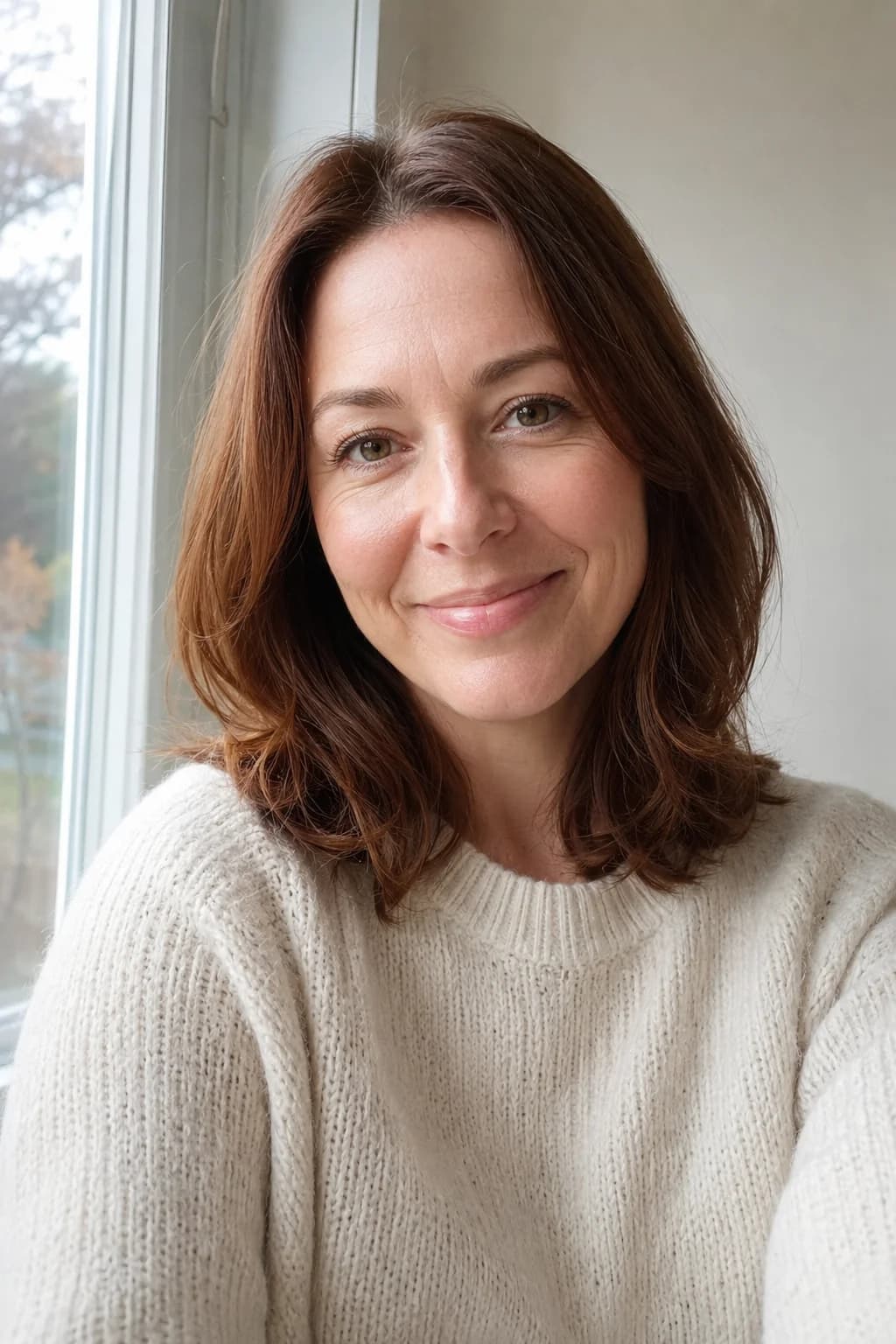
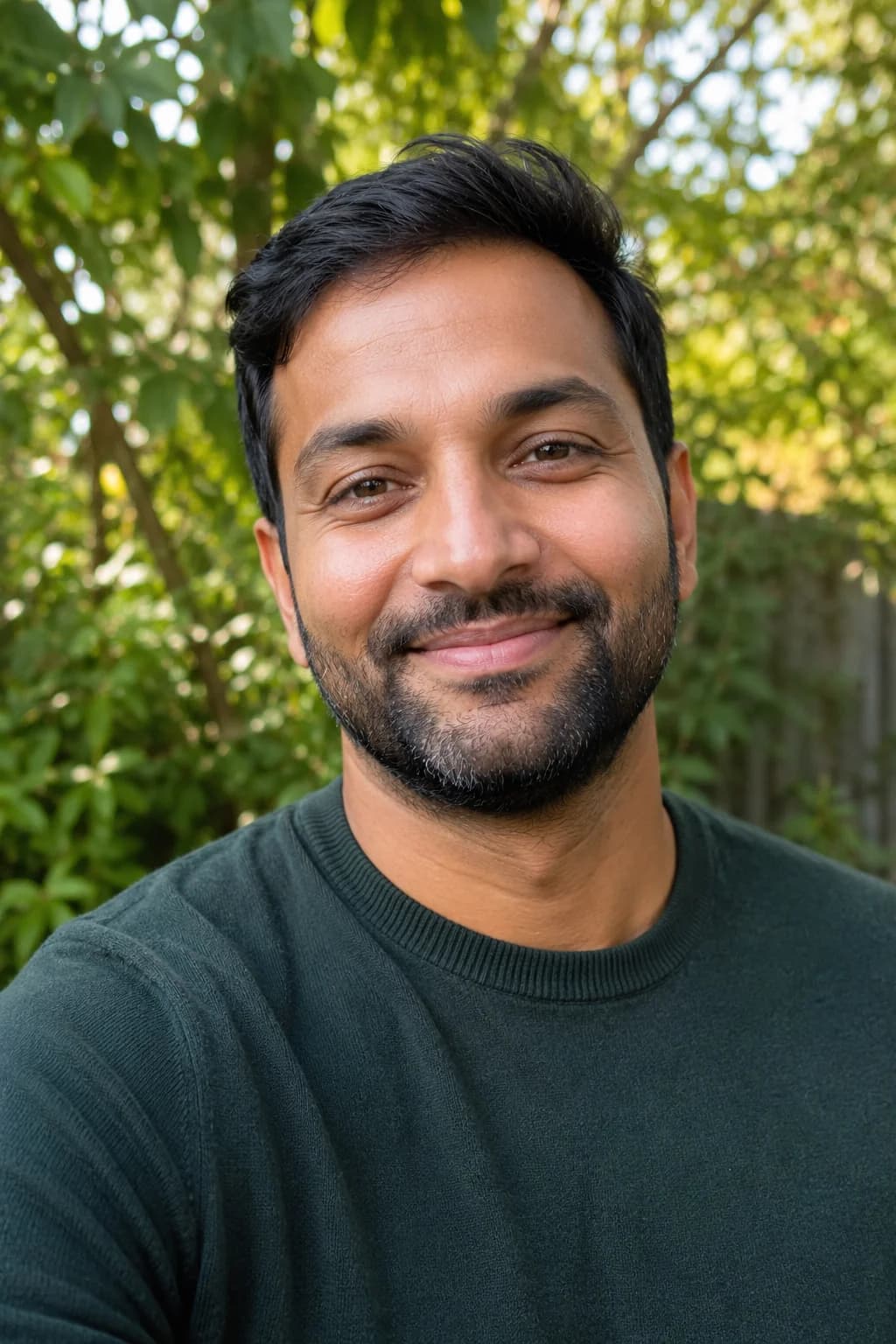
Your photosone picture
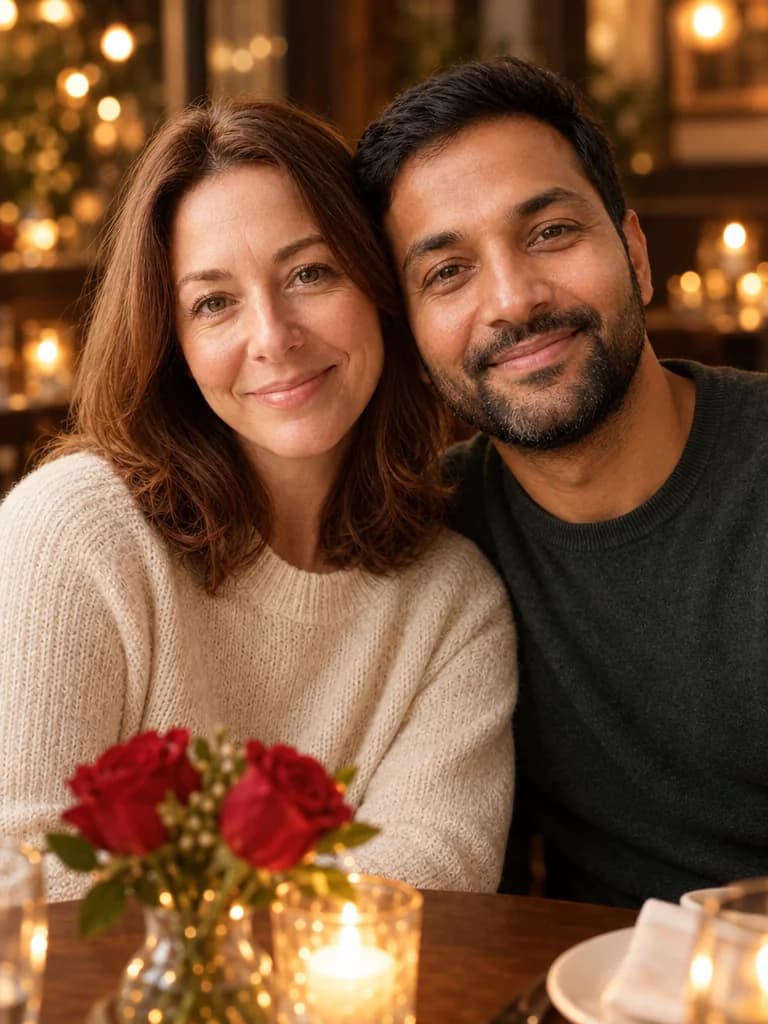
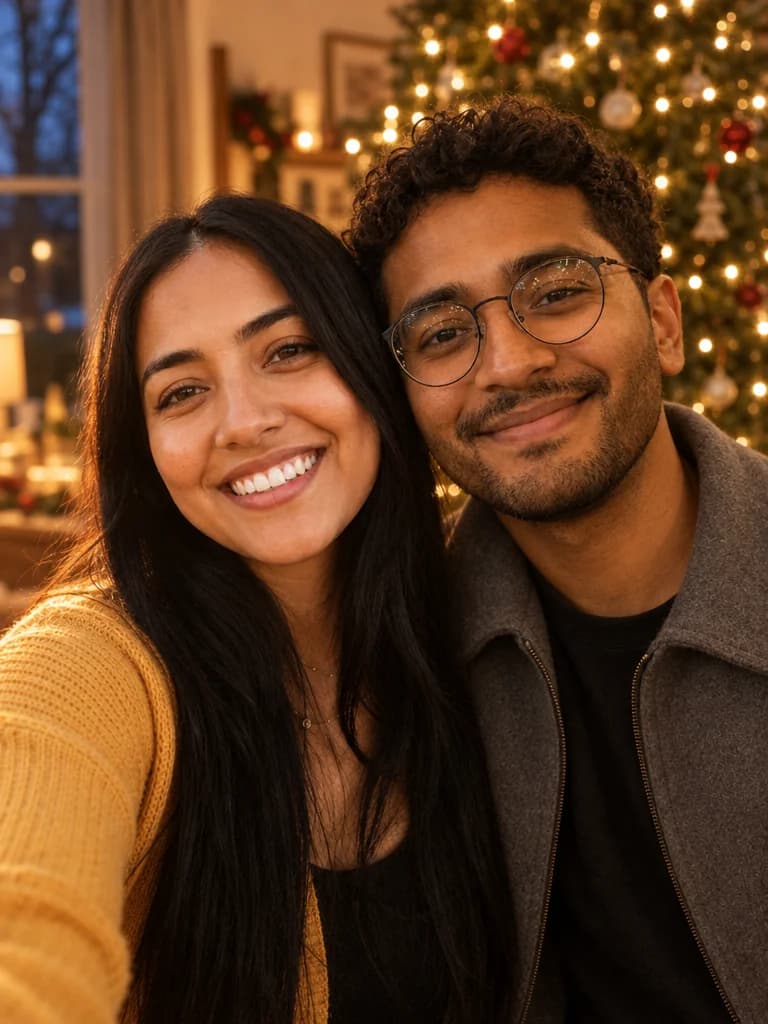
Example made with BabyFotor. Everyone in it is AI-generated.
- Your first picture is free
- No subscription, credits never expire
- Failed pictures are refunded
- No public gallery
Three steps to your picture
Add your photos
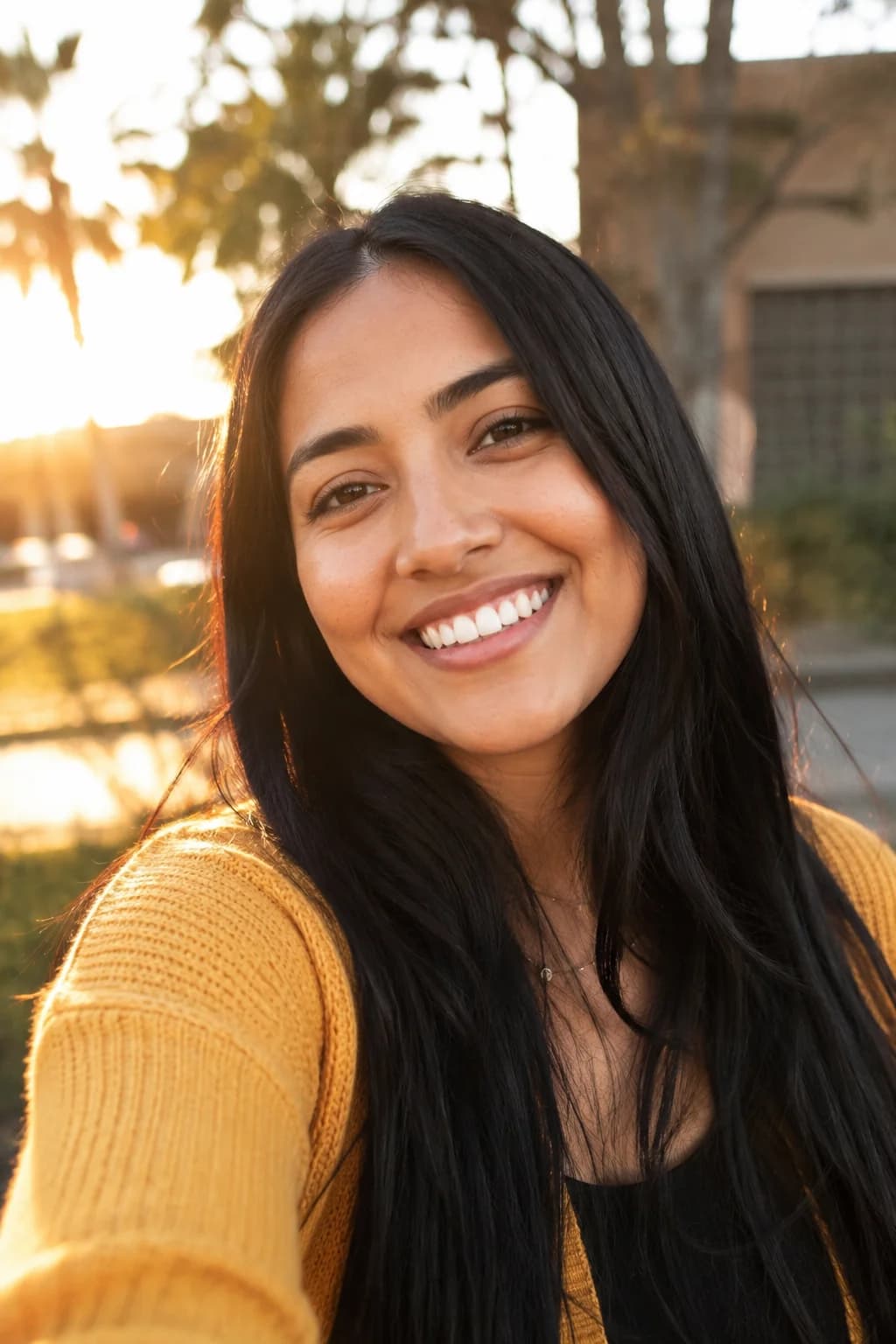
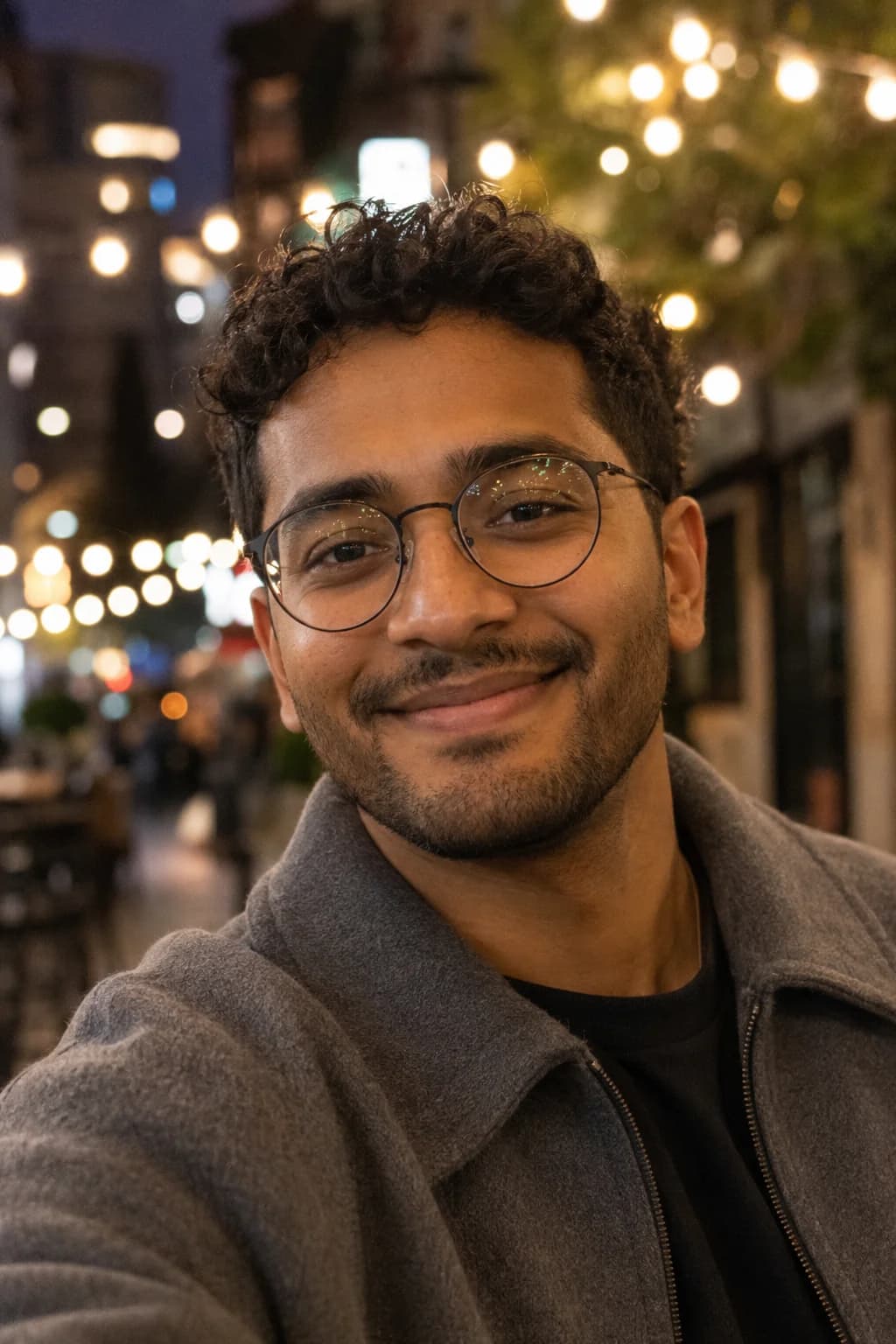
One photo of each person or pet. Clear and well lit works best. JPEG, PNG or WebP, up to 10 MB each.
Choose the details
Choose the setting from a few options. There is nothing to write.
Preview it free, then keep it
Your first preview is free and carries a small watermark. Like it? Unlock that exact picture, clean, for 4 credits.
The picture of the two of you that nobody took
In many couples one person is always the one holding the phone, so the best pictures of each of you are of one of you. For others the problem is the map: you live in different cities, and a picture of the two of you side by side has to wait for the next visit. Either way, Valentine's Day comes round and there is no photo to send.
This page makes that picture. Each of you sends one photo, taken wherever you are, and BabyFotor makes a single new picture of the two of you close together, heads leaning gently toward each other, by candlelight, in a rose garden or at a cosy cafe. One of you makes it from both photos, and you see a free preview before you pay for anything.
Be clear about what you are getting. It is a picture made by AI from your two photos. It is not a photograph, the two of you were never at that table, and it does not always get a face right. A real photograph of the two of you is better than ours, and this is for the one you could not take, or have not taken yet.
Want a different picture? For Christmas apart, the long-distance couple Christmas photo puts you by a tree, on a snowy street or in a cabin. For evening light outdoors, the couple sunset photo has a beach, a field and a rooftop. Already have a photo of one of you and need the other in it? Add them to it.
Choosing the two photos
From each photo the picture takes the face, the hairstyle, the skin tone and the clothes. The table, the roses and the light are made new, so neither photo needs to be taken at a dinner or to be a special one. A quick selfie in a hallway will do, as long as the face is easy to see.
The picture looks like the photo, not like today. A photo from ten years ago gives you the person from ten years ago, with that hair, so choose one that looks like you do now. Daylight or window light is best: an evenly lit face gives the picture the most to work with.
You make the picture from both photos, so you need your partner's. Ask before you use it: the person in a photo should be happy to be in the picture. You can still keep the finished picture a surprise.
Person 1 and Person 2
Both are required. One clear photo of each person, from the front, looking toward the camera, with the face easy to see.
Clothes come along
What each of you wears in your photo is what you wear at the table. In our example she is in a cream knit sweater and he is in a dark green one, as in their own photos. For something smarter, send a photo in that outfit.
Glasses, hats and sunglasses
Glasses you wear every day are kept. Sunglasses and big hats hide the face, and so does a hat that throws a shadow over the eyes, which leaves less for the picture to match.
Photos to leave out
Group photos where it is hard to tell which face is yours, faces turned away, heavy filters and very small faces. A new selfie by a window takes a few seconds and is usually the better choice.
A candlelit table, a rose garden or a cosy cafe
You choose one setting and never write a word. If you choose nothing you get the candlelit table.
All three are warm and close: the two of you sit or stand near each other, heads leaning gently together, smiling, both looking at the camera. Only the place changes, and with it the light. A different setting is another try, which uses credits once the free one is spent. If you cannot decide, start with the candlelit table.
Our example is the candlelit table. We ask for the other two settings in the same way, and your own preview is where you see how they come out.
Candlelit table
A small dinner table with a few red roses in a low vase, and the warm lights of a restaurant softly blurred behind you. The one you get if you choose nothing, and the one in our example.
Rose garden
The two of you standing close together in the soft light of late afternoon, with red and pink roses all around you and a white wooden arch of climbing roses behind you. The only setting outdoors.
Cosy cafe
The two of you on a cafe window seat, with warm lamplight, a small vase of roses on the table beside you and the soft glow of the street outside the window.
What the finished picture looks like
One picture in a portrait shape, three wide for four tall. The two of you sit or stand close together with your heads leaning gently toward each other, smiling in a relaxed way, both looking at the camera. We ask for warm, film-like colour, a softly blurred background and no writing on it.
You choose where, not how. The pose is the same every time, so a kiss or a hug cannot be asked for: they often hide a face, and the face is the part that has to look like you. It also means the picture may frame the two of you a little differently on each try.
It is always exactly two people. For three people, or two people and a pet, the family photo from separate photos holds up to three people and a pet.
How to check your preview
The preview usually arrives in about half a minute: our example took about twenty-nine seconds, and it takes longer when it is busy. You can leave the page and find the picture in My pictures.
Check it against the two photos, one person at a time, before anything else. The picture in this section is the example from the top of the page, made from two AI-generated cast photos, a woman and a man. No customer's photo is ever used as an example, and it is shown as it came back, flaws included.
Faces first, not the roses
Look at both faces before the flowers and the lights. Each should be clear, lit warmly and turned to the camera, with the eyes open and nothing in front of them. In our example both faces are clear and well lit, and neither is covered by a rose or a candle.
Are they the two of you?
Compare each face with its photo: the hair, the beard or glasses, the skin tone, the shape of the face. In our example she has shoulder-length auburn hair and he has short dark hair and a short beard with a little grey at the chin, and all of it is kept.
Exactly two people
Two people and nobody else, not even a blurred figure behind you. Look at any hands too, since hands are where AI pictures often slip. There are none in our example, and if some appear in yours, count the fingers.
Expect a close frame
Our example is framed close: the two faces fill most of the picture, and the vase of roses, the candle and the edge of a plate are cut off by the bottom of the frame. If you hoped to see more of the room, try again, because each try frames the two of you a little differently.
Look at the background too
The background is the AI's own idea of a restaurant. In ours, the blurred lights at the upper left sit on what looks like a tree hung with small lights, closer to Christmas than to Valentine's Day. It does not touch the faces, and a new try may give a different one.
Warmer light, smoother skin
Our two photos were taken in daylight, and the picture is lit like an evening indoors. The colour is warmer and the skin a little smoother than in either photo: that is the film-like look we ask for, and it is worth a close look at your own face.
Look for stray writing
No writing should appear on a menu, a card or the table, and no hearts should be drawn over the picture: we ask for neither. The faint pattern over the picture and the small badge in the corner are the preview's watermark, and an unlocked picture has neither.
If a face is hidden, or one of you does not look right
Try again first: each try comes out different, and a face that sits half behind a rose in one is often clear in the next. If the same person keeps coming out wrong, change that person's photo and leave the setting alone: a sharper one, taken closer, in daylight and from the front.
It helps when the two photos are alike. If one is sharp and well lit and the other is a small, dark selfie, the weaker one is the one to replace, and two photos taken in a similar light sit better together in one picture.
Your first preview is free, and a free preview that fails does not count. If a picture you paid for fails, the credits come back to you. A picture that was made but is not what you hoped for is a try like any other, so after the free one each new try uses credits. The Pricing page lists the packs.
Giving it: cards, prints and the day itself
Once you unlock a preview you have that exact picture, without the watermark and at full size. Open it from My pictures with Open full size and save it like any other image.
The picture has no message on it, on purpose, so the words are yours: in a card, in a message under it, or written by hand on a print. It suits a message that arrives on the morning of 14 February, a small print in a frame on a desk, a phone wallpaper for each of you, or the picture tucked inside a card you were already going to send.
It is made for screens and small prints. Printed as large as a poster it would look soft. Start a few days early, so there is time for a second try and, if you want a print, for the printing.
Say that it was made by AI when you give it. The two of you were never at that table, and a gift is better when nobody has to wonder how it was made.
Other ways to get a picture of the two of you
Some of these give you a real photograph, which is better than anything made by AI, and several cost nothing.
Take the real one
Ask a friend, use a timer or a small tripod, or book a short session with a photographer. A real photograph of the two of you is the best of these, and it is what this page tries to hold the place of until you have one.
Screenshot a video call
If you live apart, take a screenshot while you are on a video call together. It is a real picture of a real evening. The faces are small and you are in two different rooms, but it happened.
Put two photos together yourself
A photo editor or a collage app can place two photos side by side, or cut one person out and set them next to the other. You keep full control, at the cost of time and some skill, and the light on the two of you has to be matched by hand.
Ask a chat assistant
ChatGPT, Gemini and other general assistants can make a picture from two photos if you describe it, and you can keep asking until a face looks right. BabyFotor has the wording ready, three settings to choose from and a free first preview, and the checking is yours either way. No tool can promise a likeness, and this one does not.
Commission a drawing
An illustrator can draw the two of you from your photos. It takes longer, the price is whatever the artist asks, and it is a different kind of gift: a drawing, not a picture that looks like a photograph.
The free preview, unlocking, and your partner's photo
Your first picture is free once your email is confirmed. A faint pattern over the picture and a small badge in the corner mark it as the preview. If you like it, you unlock that exact picture with credits and only the marks go. Credits never expire and there is no subscription. The Refund Policy says what we refund and when.
You upload both photos, so only you need an account. Each time you make a picture you confirm three things: that you have the right to use the photos and that the people in them are happy to be in the picture, that any children in them are yours or in your care, and that the photos are sent to an AI image service to make the picture. Your partner's photo is covered by the same three, so tell them before you use it.
We use your photos only to make your picture and never put them in a public gallery. Pictures you never unlock are deleted sooner than the rest, and the Privacy Policy gives the exact times.
Questions about this picture
Still unsure? Write to us from the Contact page.
More pictures to make
Same idea, another occasion. Your first picture is free.
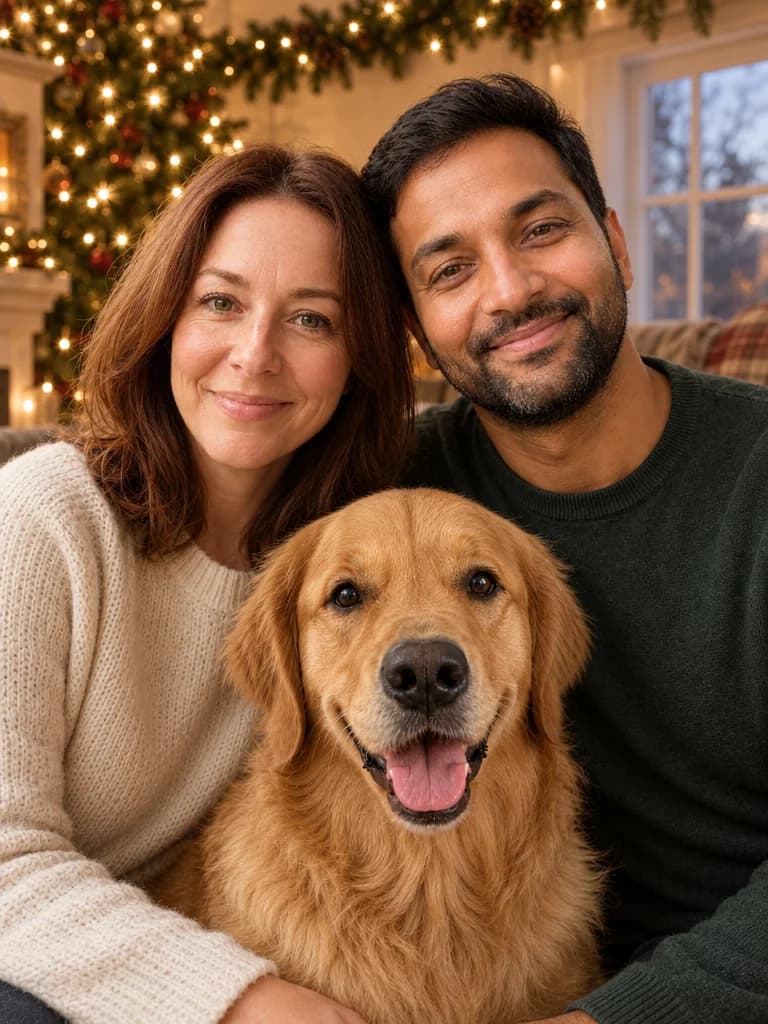
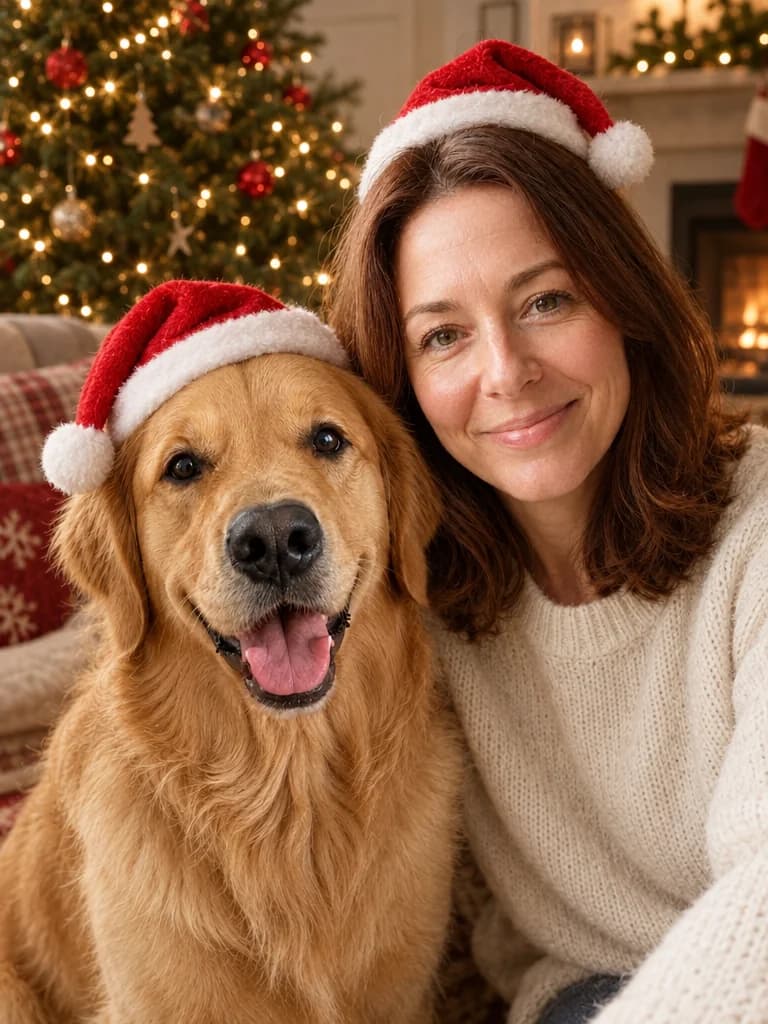
Make your first picture, free.
Create an account, add your photos and see what BabyFotor makes. No card needed for your first one.
Try it free